Create a portfolio site
You describe it. Termy builds it.
Say what you want in plain language. The Commander turns it into a task graph and puts agents on it.
Give your team shared, concurrent agent sessions — without the merge conflicts.
If you can describe it, Termy can build it — plan, code, test, review and ship, without leaving the editor.
Say what you want in plain language. The Commander turns it into a task graph and puts agents on it.
Each holds an exclusive lease on the code it owns, so two agents can never edit the same thing at once.
Your own build and tests run against every patch. The command, exit code and output are kept as evidence.
Say what you want built. The Commander turns it into requirements, acceptance criteria and a dependency-ordered task graph.
Contracts first — APIs, schemas, types and events — so every agent downstream builds against the same definition.

Specialist agents work simultaneously in isolated worktrees, each holding an exclusive lease on the code it owns.
Your project’s own build and tests run against every patch. The command, exit code and output are kept as evidence.
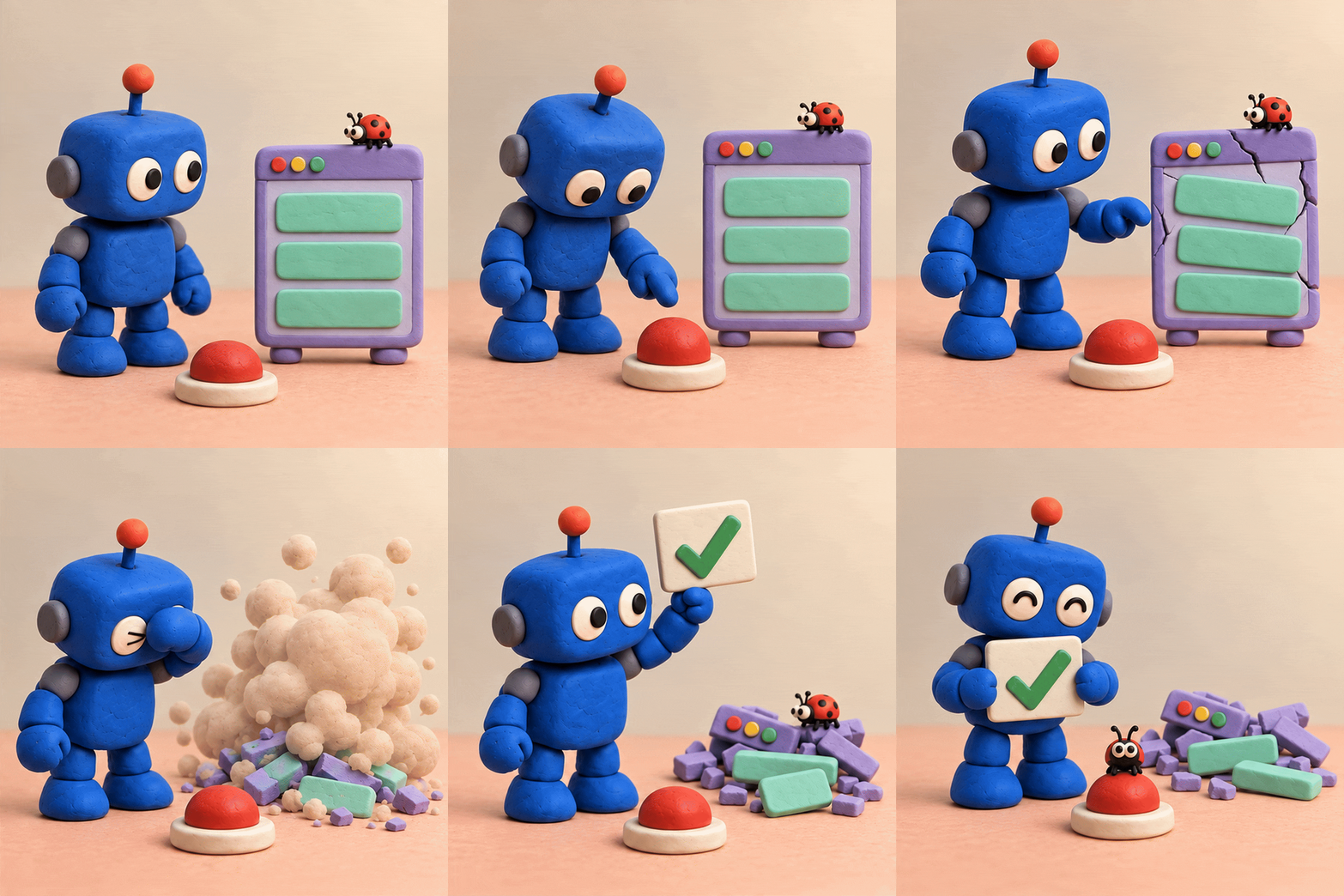
Only verified work reaches the branch. Protected branches still wait for a human.

Deploy to your own cloud as ordinary commits. Observe it, scale it, and let the loop close on production.

Termy is built on the belief that the fundamentals still matter — and that an agent should make you better at them, not replace them.
You never have to think about them. They are what makes the rest of it hold up.
A Commander decomposes the goal, assigns specialists and holds them to exclusive leases so their work can never collide.
Every task is priced and matched to a model by capability, latency and remaining budget — with a fallback chain behind it.
AST, call graph and history become a task-specific context package. Your repository is never dumped wholesale at a model.
Termy runs on infrastructure you already trust — so what you build here keeps working long after it ships.
Hosting, TLS, databases and secrets provisioned for you. Your code and your data stay yours, always.
Deploy to the regions your users are in, with latency-aware routing and failover between them.
Secret scanning, dependency and container checks, and least-privilege credentials on every agent run.
Build and manage projects from the desktop IDE, the web, or your phone — the same workspace throughout.
Say what you want in plain language. Termy plans it, assigns it and stays out of your way.
Database, auth, storage and deploys wired up from the first commit — no scaffolding to babysit.
Anthropic, OpenAI, Google, Groq or a local endpoint — chosen per task by capability, latency and budget.
SSO, SAML, SCIM and role-based access, with a full audit trail of every agent action and approval.
No queue and no turns. Each teammate’s agent works in parallel on the same project, in its own worktree, under their own provider account.
Every teammate’s agent works in parallel on the same project. No queue, no waiting your turn.
Your CLI runs on your machine under your own keys. Only coordination metadata reaches the Brain.
Everyone sees the same files, cursors and agent output as it happens.
Overlap is surfaced before the work happens, not discovered at merge time.
Termy compares branches, file paths, planned work and task descriptions, then injects a budgeted summary into the prompt before the agent runs.
Watch teammates’ agents type in the same file in real time, and answer their approval requests. The first valid response wins and is recorded immutably.
Decisions are pinned to a path and a commit. When the code moves, the note is flagged stale and the next agent is told to re-check it — never silently deleted.
Each one shows its owner, branch, agent, files and what it is waiting on. Join as a participant or watch read-only.
Use a CLI already installed on your machine, signed in to your own provider account. Termy never resells or meters tokens.
Termy detects the local CLI, opens its sign-in flow when needed, and installs the coordination adapter.
Same adapter, same coordination tools. The Brain is provider-agnostic by construction.
Every teammate runs under their own account and keys. Nobody’s credentials are ever visible to anyone else.
Agents execute locally under your credentials. The Brain coordinates metadata only — your source never passes through it.